 Mach by Ahmed Khaleel
Mach · a Gmail client for Mac and iPhone · by Ahmed Khaleel
Mail that is already there.
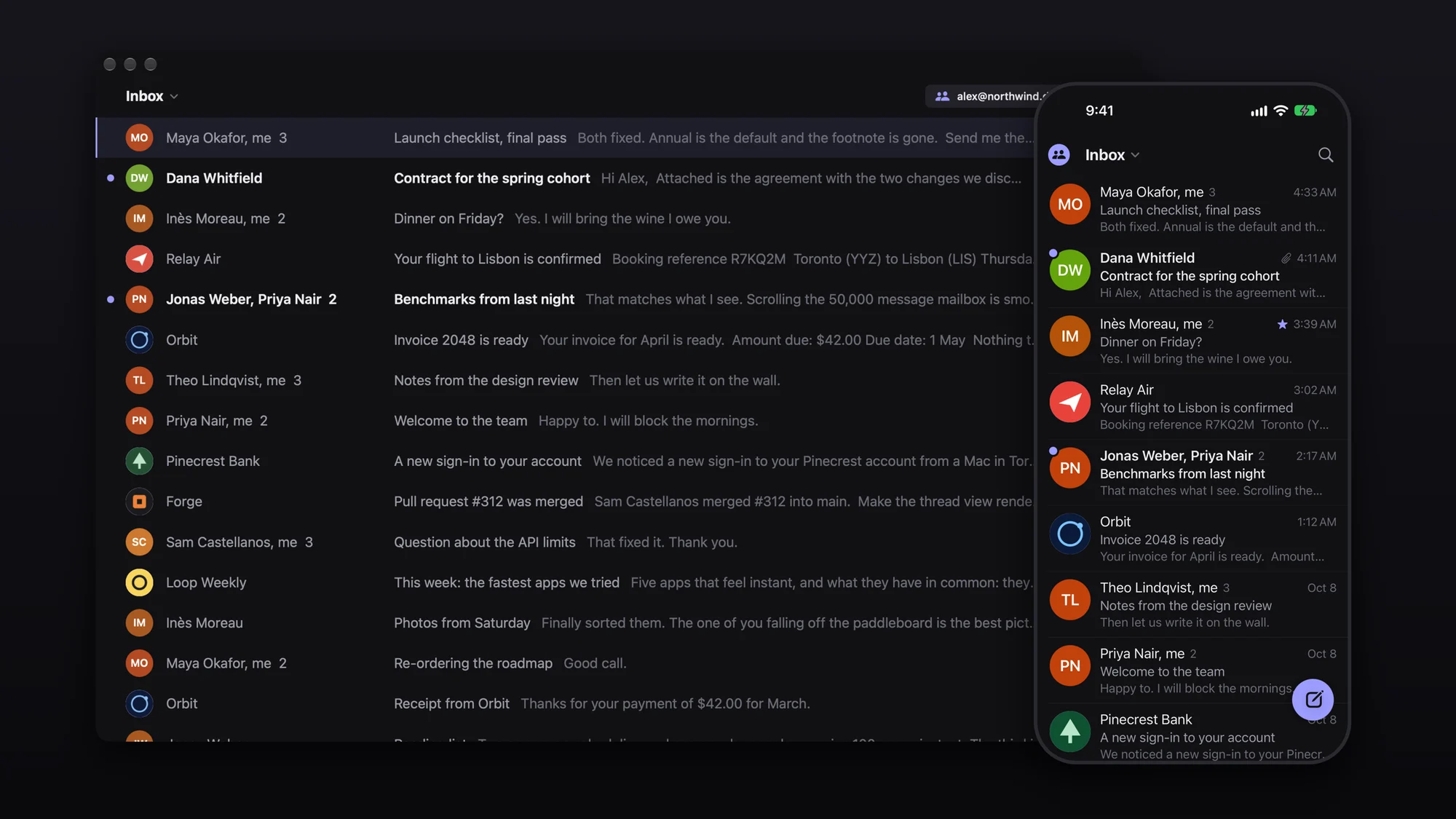
Mach keeps your mail in a database on your device, so nothing you do waits for the network. Lists, conversations and search answer before the next frame. No spinners, almost no animation. Free for personal use, with the source open.
Apple silicon, macOS 15 or newer. Signed, notarized, and it keeps itself up to date. Until Google finishes reviewing Mach, signing in needs a Google key of your own: five minutes, once. How to set it up.
01Speed
Fast, measured.
Medians on a mailbox of 50,000 messages. Almost everything finishes inside a single frame of the screen.
0.5s
First mail on screen after a brand-new sign-in.
4.6MB
The whole app on Mac. 4.5 MB on iPhone.
0
Spinners. What you did is sent to Gmail behind you.
The lines mark one frame: 8.3 ms at 120 Hz, 16.7 ms at 60 Hz. Every number has a benchmark behind it, including what did not get faster: bench/RESULTS.md.
02Your Google data
What Mach does with your Google data.
Mach is a mail app, so it asks Google for what a mail app needs. It uses that for one thing: showing you your mail and doing what you tell it to.
- Reads your mailMessages, conversations, labels, drafts and attachments are fetched from Gmail and kept in a database on your device, so reading and search are instant and work offline.
gmail.modify - Changes it when you doSending, drafting, archiving, trashing, starring, marking read and snoozing go to Gmail, so they show up in Gmail itself and on your other devices.
gmail.modify - Reads contact picturesFrom your Google contacts and the people you have written with, Mach reads email addresses and picture addresses, nothing else, to show a sender's face. Your own profile picture too.
contacts.readonly · contacts.other.readonly · userinfo.profile - Keeps it on your deviceYour mail, the pictures and your Google sign-in stay on your Mac or iPhone, the sign-in in the system keychain. The app talks to Google directly. There is no Mach server in between, and the developer never receives any of it.
- NeverNo analytics, no ads, no selling or sharing your data, no training AI models on it, nobody reading it.
Limited Use. Mach's use and transfer to any other app of information received from Google APIs will adhere to the Google API Services User Data Policy, including the Limited Use requirements.
03What it feels like
Things are simply there.
- One inbox, or all of themEvery account in a single list, or one at a time. Split Inbox is a switch, off by default.
- Keyboard first on MacGmail's own shortcuts, a command bar on ⌘K, and nothing that needs the mouse.
- Swipes on iPhoneLeft to archive, right to mark read, both changeable. Everything follows your finger at 120 Hz.
- Undo everythingArchive, trash, snooze, and sending for five seconds.
- Real facesThe sender's Google picture, or a company's certified logo, the way Gmail shows them.
- Search everythingInstant on the device, with Gmail's own search folded in as you scroll.
- Drafts and snoozes live on GmailSo they are on every device, and in Gmail itself.
- Works offlineChanges apply at once and go to Gmail when you are back.
04Shortcuts
The keys you already know.
- Next, previous jk
- Open, back EnterEsc
- Archive e
- Trash #
- Star s
- Snooze b
- Reply, all, forward raf
- Compose c
- Undo z
- Search /
- Command bar ⌘K
- Switch list 19
This page listens to four of them: 1 home, 2 privacy, 3 terms, 4 support.
05Get it
Free for personal use. Source open.
Mac
Open the disk image and drag Mach to Applications. Apple silicon, macOS 15 or newer.
iPhone
TestFlight soon. Today the iPhone app is built from source with Xcode; the steps are in the README.